Sending Secrets
You can send a secret to a paired computer whenever it is needed.
Basic sending flow
- Select a secret
- Tap Arm Computer (15s)
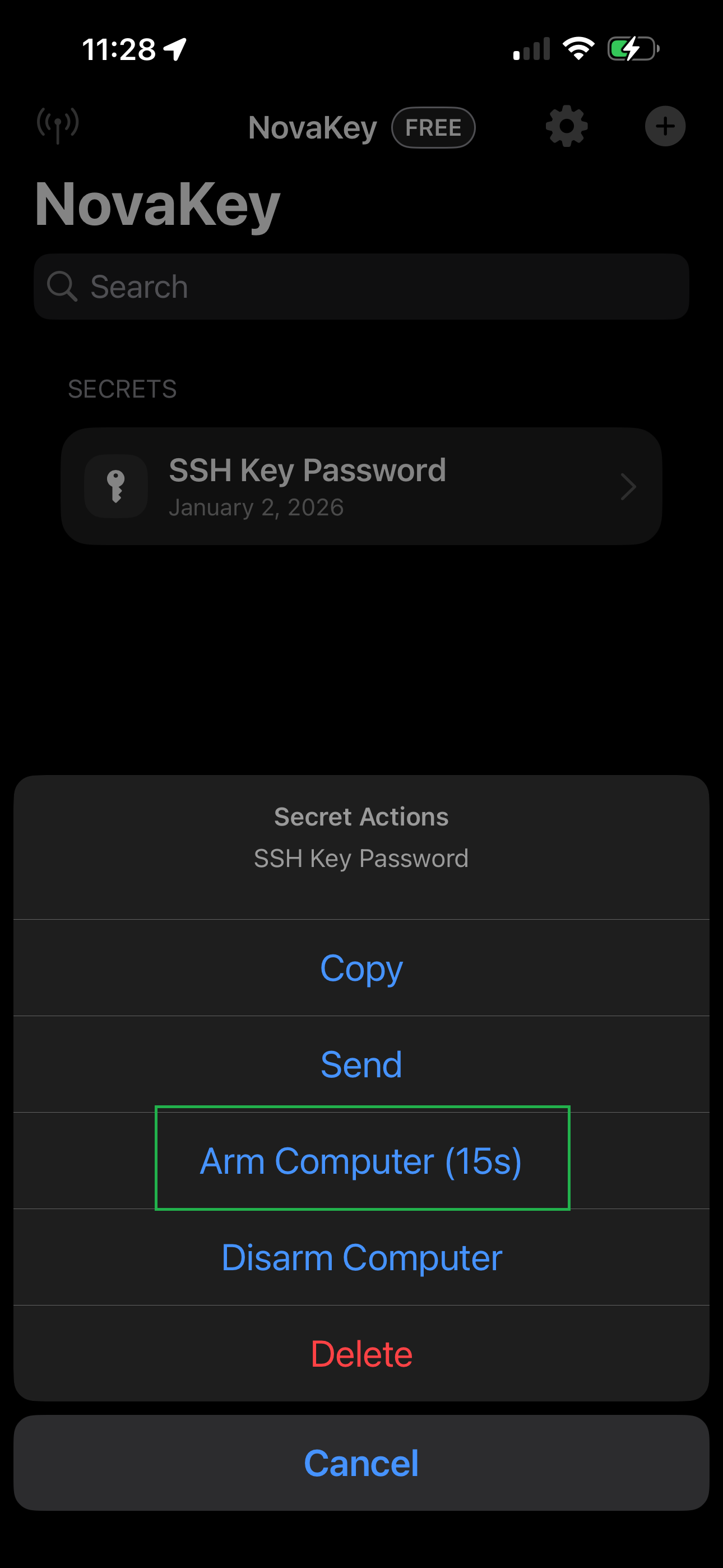
- If successfuly you will see this:
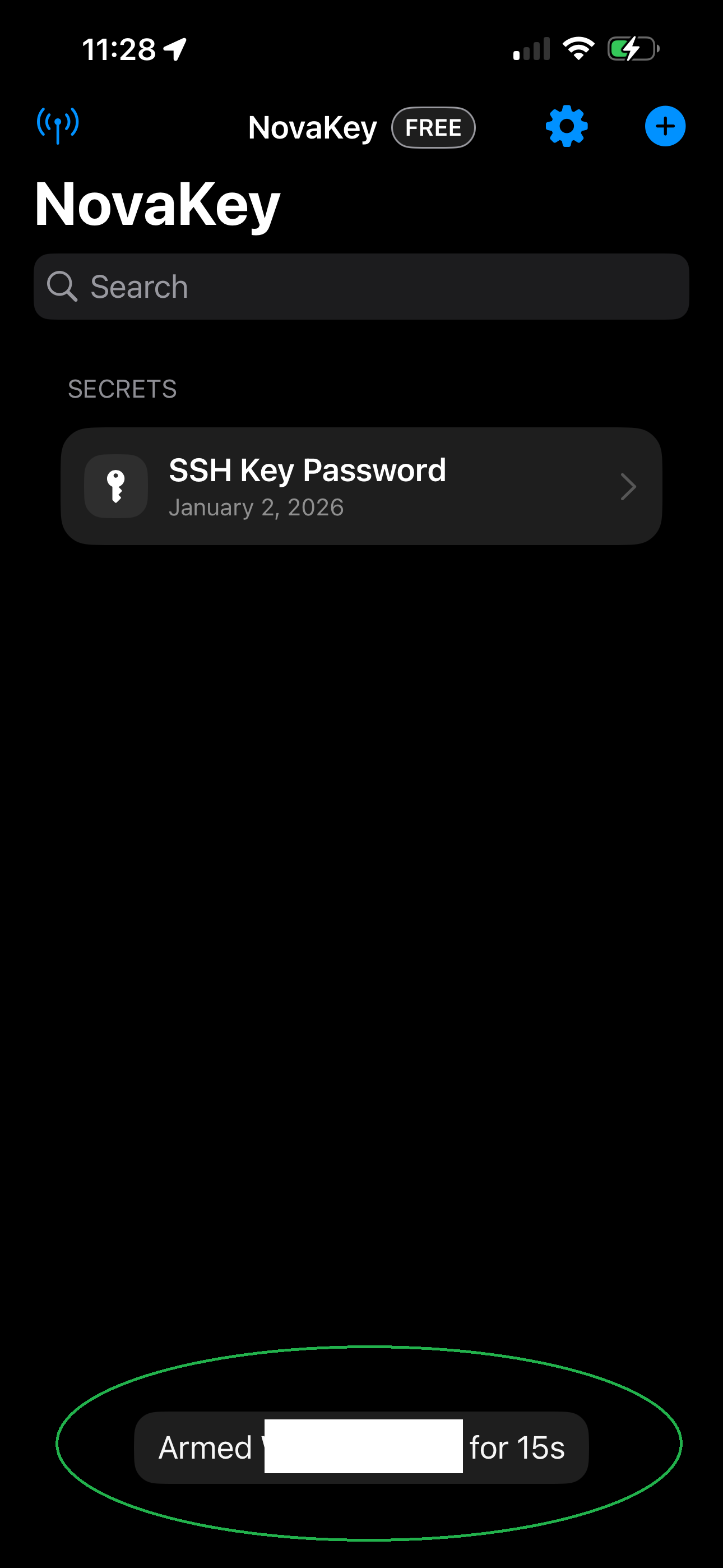
- Tap Send
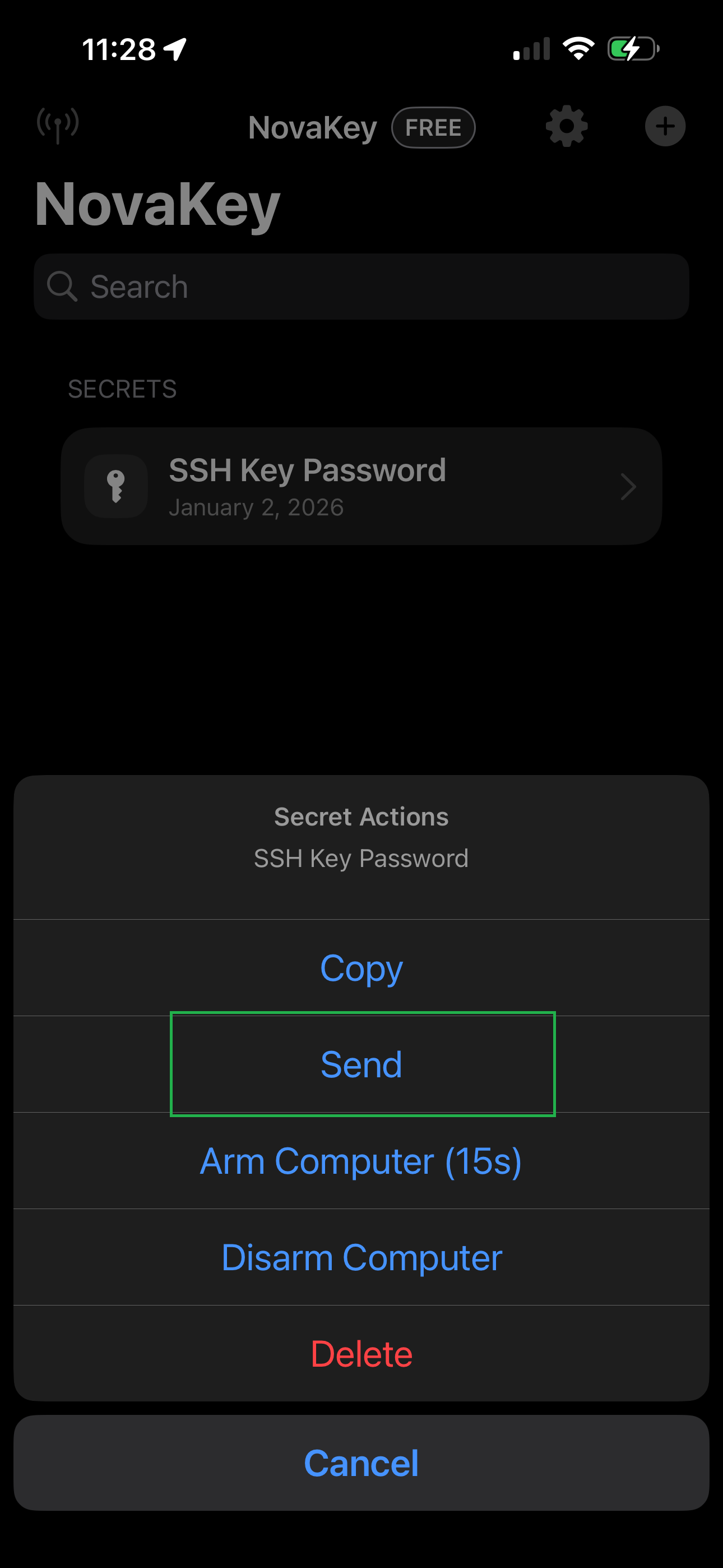
- Authenticate with Face ID or device passcode
- NovaKey securely delivers the secret to the computer
- When successful you will see this:
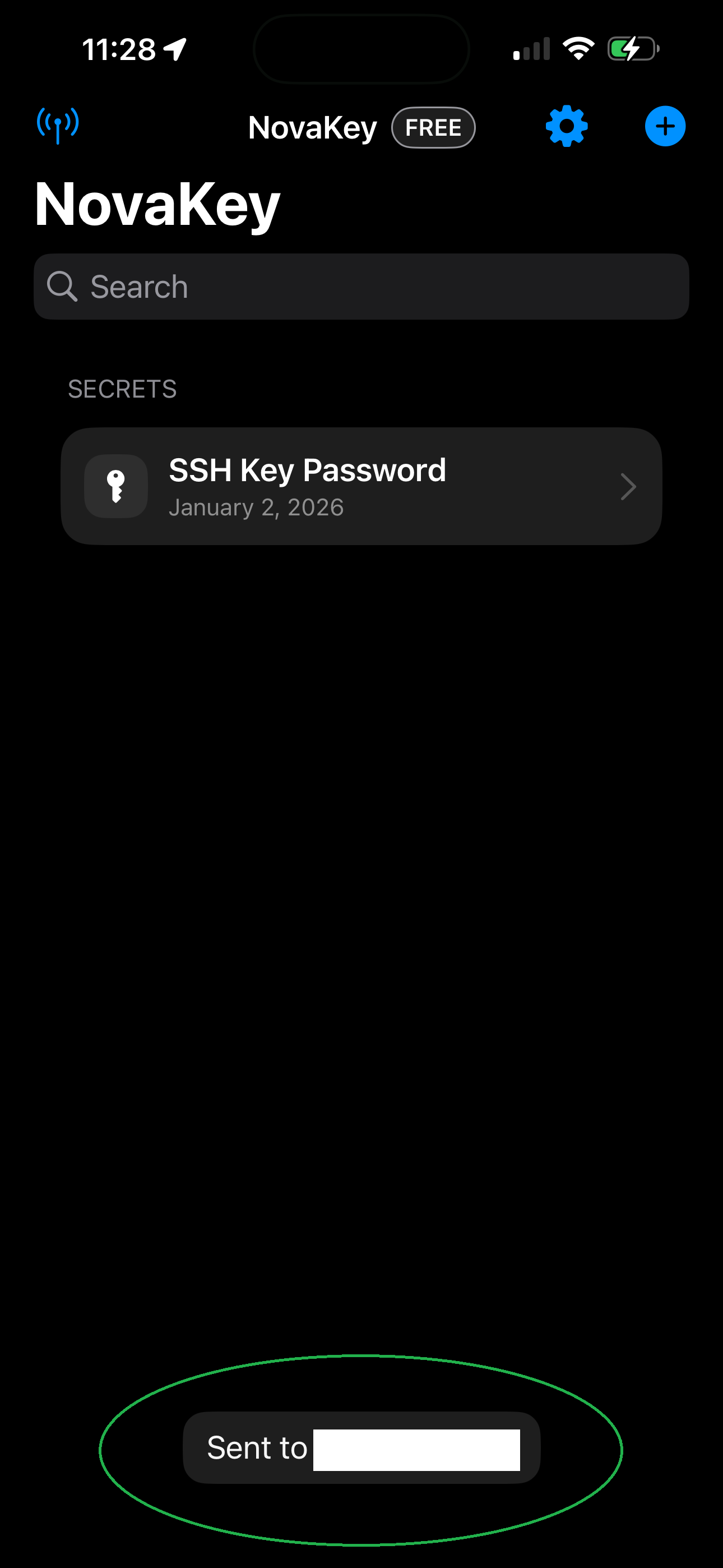
The desktop daemon then injects or consumes the secret according to its configuration.
NovaKey provides both visual feedback and VoiceOver announcements for success or failure.
What “arming” means
Arming tells the computer that it should expect a secret shortly.
For safety reasons, the computer only accepts secrets for a short time window (15 seconds by default).
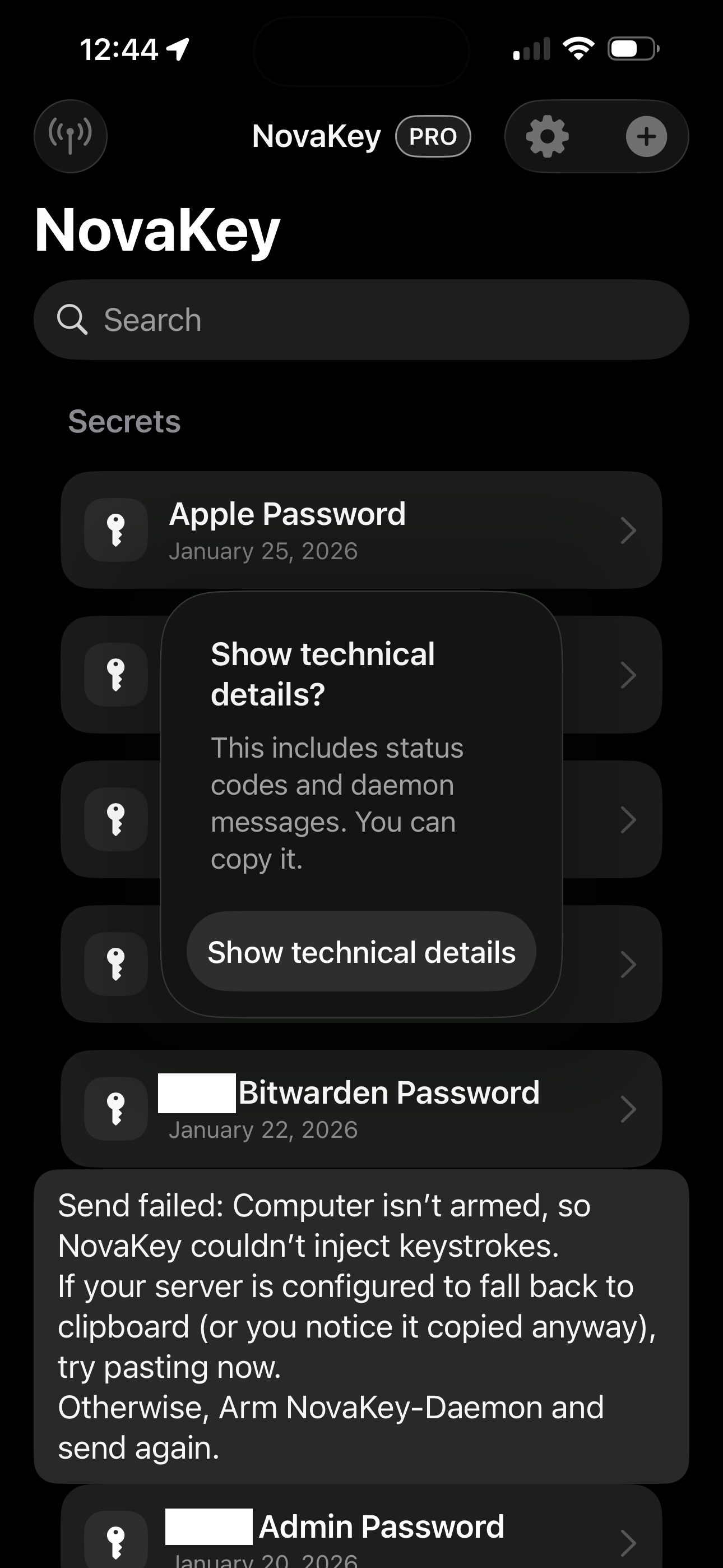
If the computer is not armed, sending is blocked.
Send a secret (step by step)
- Tap the secret you want to send
- Tap Arm Computer (15s)
This notifies the paired computer that input is coming - Tap Send
- Confirm the biometric or passcode prompt
- Watch for a result message:
- Sent to
- or 📋 Copied to clipboard on
(when injection is blocked) 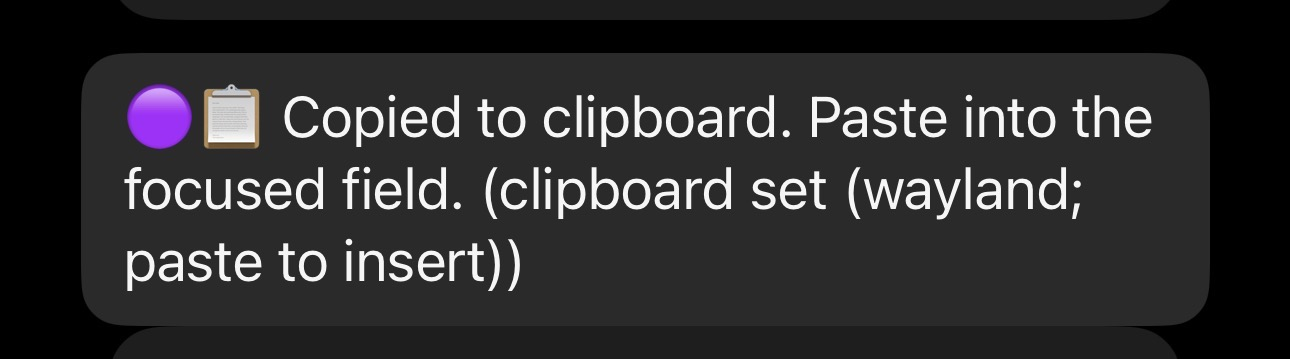
If no Send Target is selected, sending is blocked. If you armed the computer and received a message it was not armed, restart the novakey service and try again.
How sending works (behind the scenes)
When you tap Send, NovaKey: 1. Authenticates you using Face ID or passcode 2. Verifies the device pairing 3. Optionally waits for approval on the computer (Two-Man Mode) 4. Sends the secret to NovaKey-Daemon over an encrypted connection
Two-Man Mode (approval)
Some configurations require an explicit approval step on the computer before injection is allowed.
Typical flow: - The iOS app sends a request - The daemon opens a short approval window on the computer - After approval, the iOS app sends the secret - The daemon injects it into the focused field
If approval is required but not granted, NovaKey displays a "Needs approval" error.
Clipboard delivery
On some systems, or when injection is restricted by policy, NovaKey-Daemon may deliver the secret by copying it to the clipboard instead of typing it.
This behavior is available in both Free and Pro tiers.
When this happens:
- The send is treated as successful
- NovaKey clearly indicates clipboard delivery, for example:
- 📋 Copied to clipboard on