NovaKey iOS App Overview
The NovaKey iOS app is responsible for:
- Storing secrets securely on-device
- Managing trusted listeners (computers)
- Sending secrets over an encrypted channel
- Providing accessibility-friendly interactions
Free vs Pro
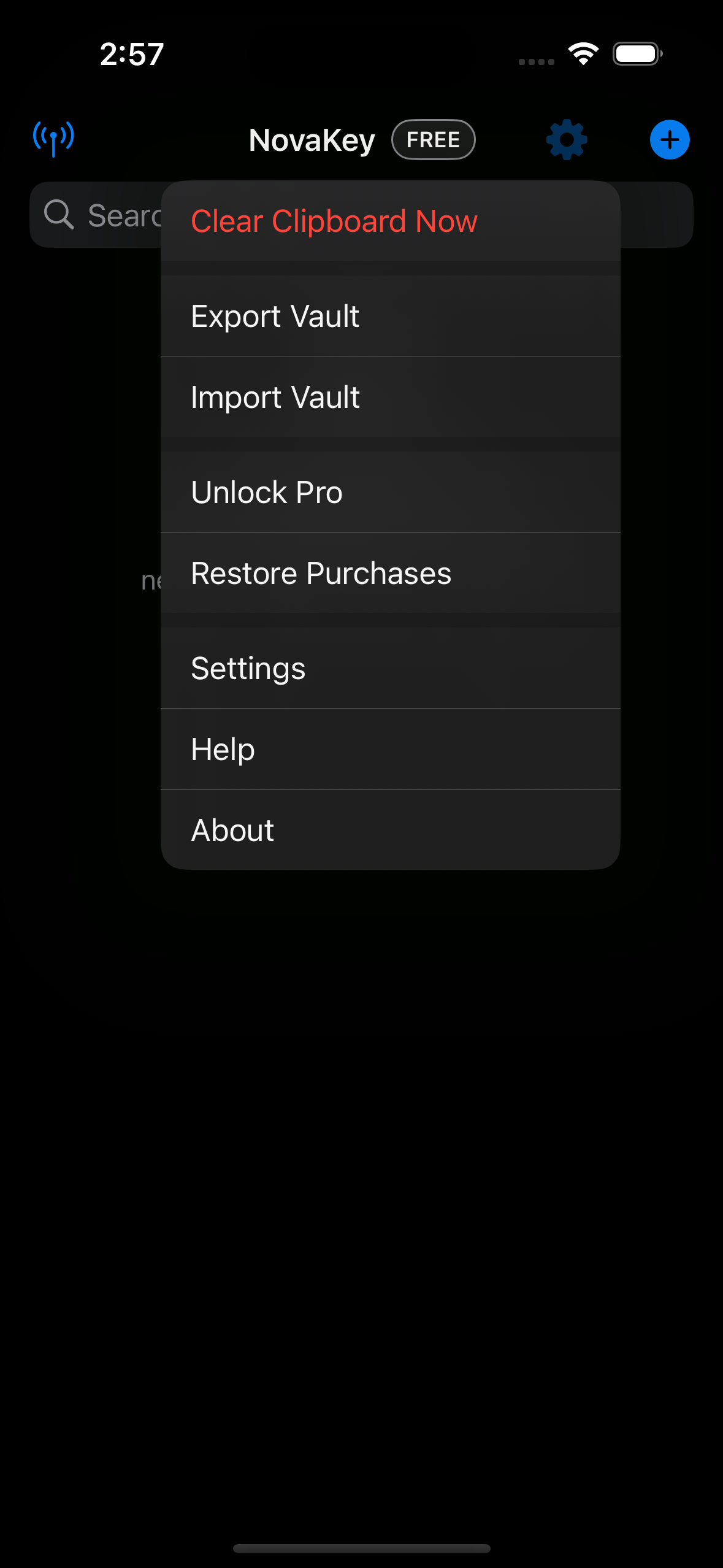
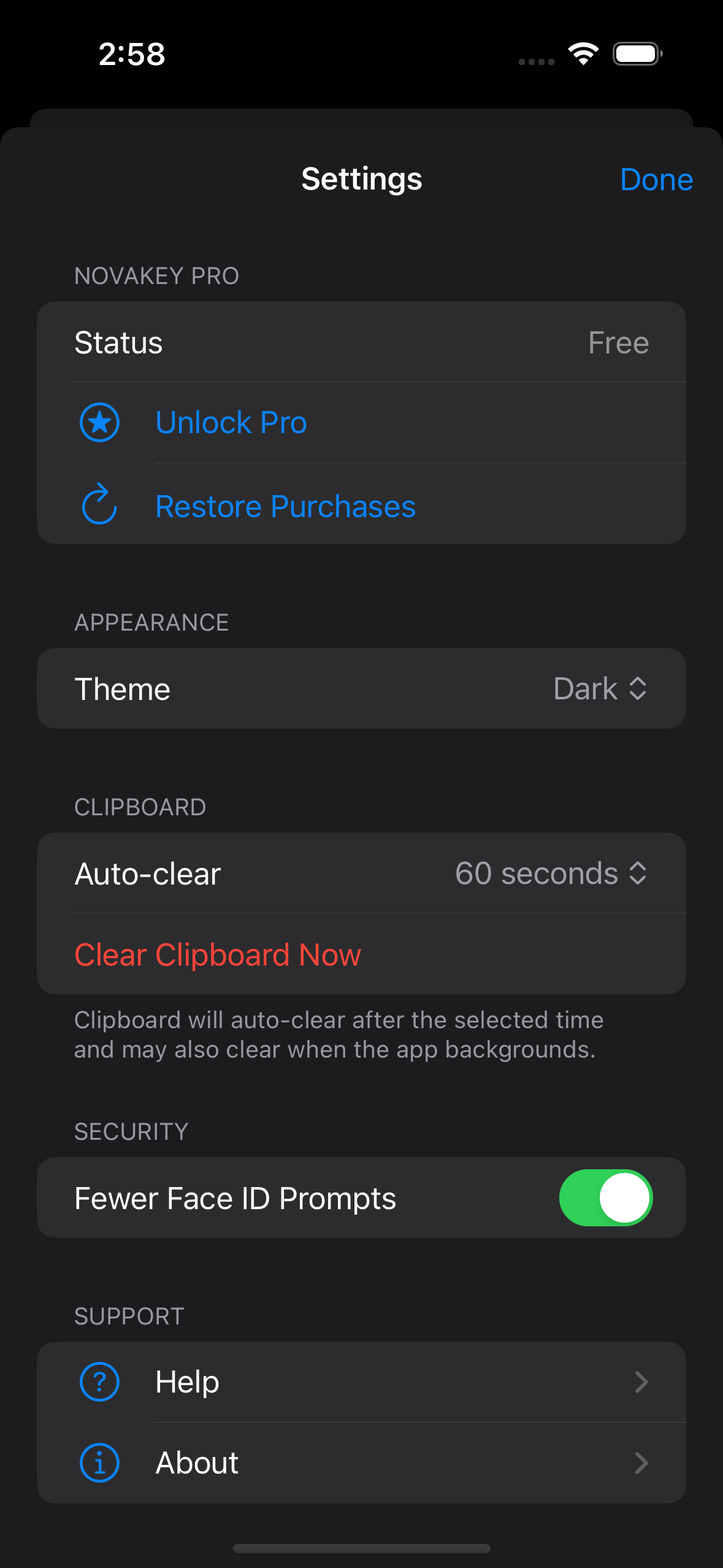
NovaKey offers a free tier and a one-time Pro unlock.
| Feature | Free | Pro |
|---|---|---|
| Listeners | 1 | Unlimited |
| Secrets | 1 | Unlimited |
| Clipboard Copy (Phone) | Yes | Yes |
| Clipboard Injection (Computer) | Yes | Yes |
| Restore Purchases | N/A | Yes |
When a free-tier limit is reached, NovaKey shows a clear alert explaining the restriction and offering the Pro unlock.
NovaKey (iOS) acts as the secure vault and control surface:
- Secrets are stored only on your phone (iOS Keychain).
- Sending/copying requires Face ID / passcode.
- Secrets are never shown again after you tap Save.
Screens
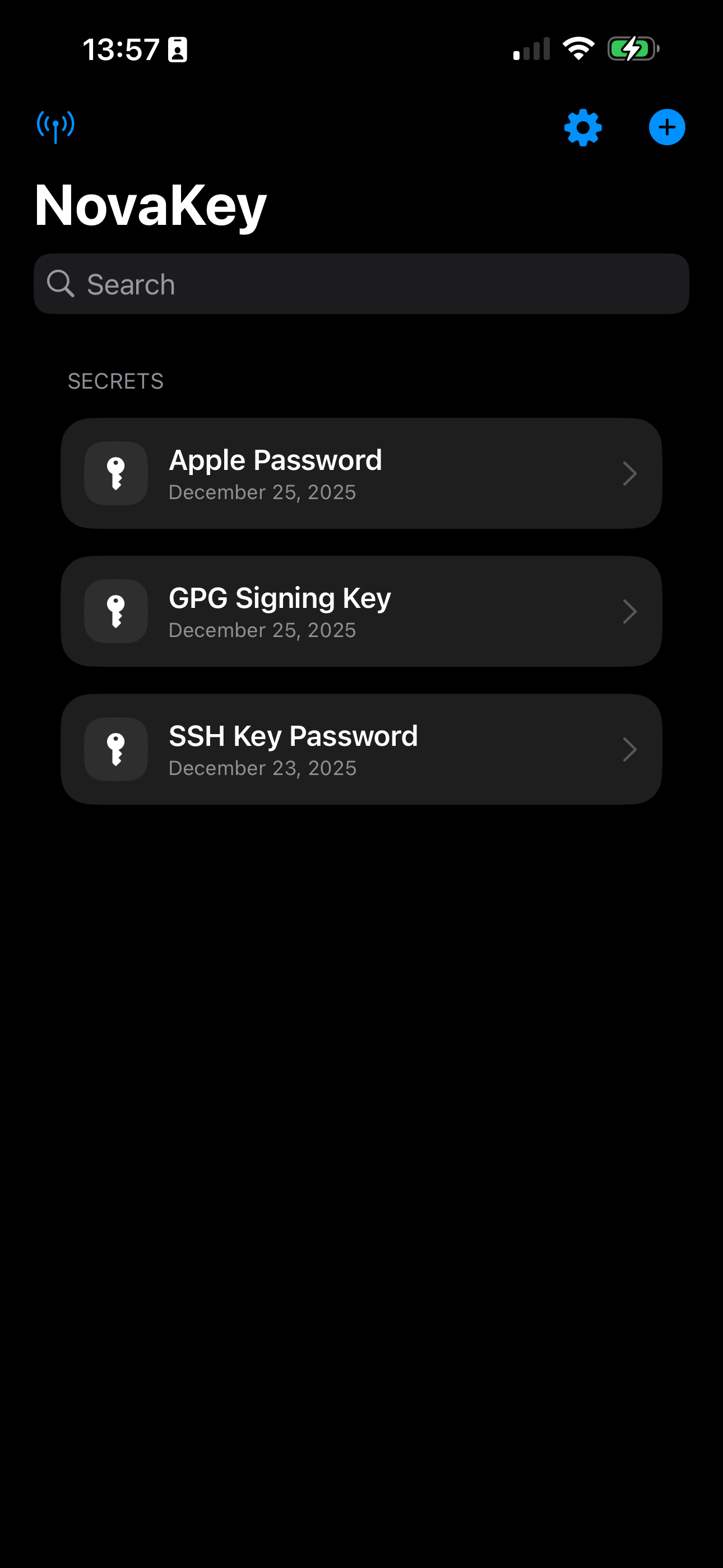
Main screen
Settings menu
Settings page
Main concepts
Secrets
A secret is a labeled value you can copy locally or send to a paired computer.
Listeners
A Listener is a saved “computer target” (name, host/IP, port). One Listener can be marked as the Send Target.
Pairing
Pairing establishes mutual trust between the iOS app and NovaKey-Daemon. You typically do this once per computer/device.
Where to go next
- Pairing: Phone App → Pairing
- Sending: Phone App → Sending
- Troubleshooting: Phone App → Troubleshooting