Secrets
Secrets are pieces of sensitive data such as: - Passwords - API keys - Recovery Tokens
Security model
- Secrets are never shown after saving
- Secrets are stored in the iOS Keychain
- Secrets require biometric or device authentication to access
Free tier limits
- Free users may store 1 secret
- Attempting to add a second secret triggers a limit alert
Pro users may store unlimited secrets.
Adding and Managing Secrets
Create a new secret

Add a secret
- Tap +
- Enter:
- Label (example: “Email Password”)
- Secret
- Confirm Secret
- Tap Save
Secret actions
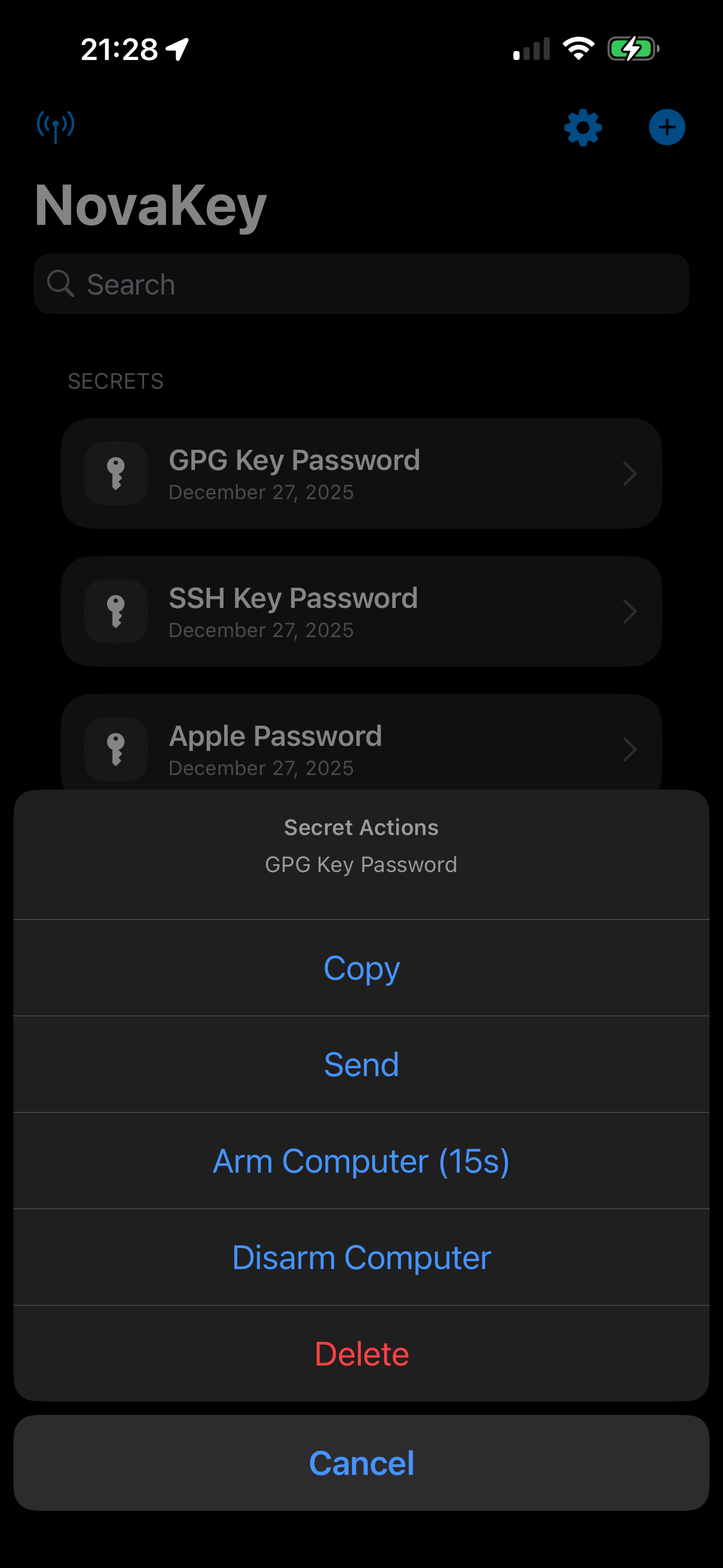
Important behavior (by design)
- Secrets are never displayed again after saving.
- Secrets live only in the iOS Keychain.
- Access requires Face ID / passcode when copying or sending.
Delete a secret
- Swipe to delete, or use the secret’s action menu.
Deleting removes: - the app record - the Keychain entry
Clipboard access
Secrets can be copied to the clipboard in the Free and Pro tier.