Vault Import and Export
NovaKey supports vault backups as JSON files.
Vaults may be exported with no protection or with password-based encryption.
NovaKey allows secure export and import of secrets for backup or migration.
Export options
- Password-protected archive
- Biometric-protected archive
Import behavior
- Imported secrets are validated before storage
- Existing secrets are not overwritten silently
Accessibility announcements confirm successful imports or errors.
Treat vault files as sensitive. Even encrypted vaults should be stored carefully.
Exporting a vault
- Open Settings
- Tap Export Vault
- Choose:
- Protection: None or Password
- Cipher: AES-256-GCM or ChaCha20-Poly1305
- (Optional) Require Face ID for each secret during export
- Save the file
Export screens
Export options
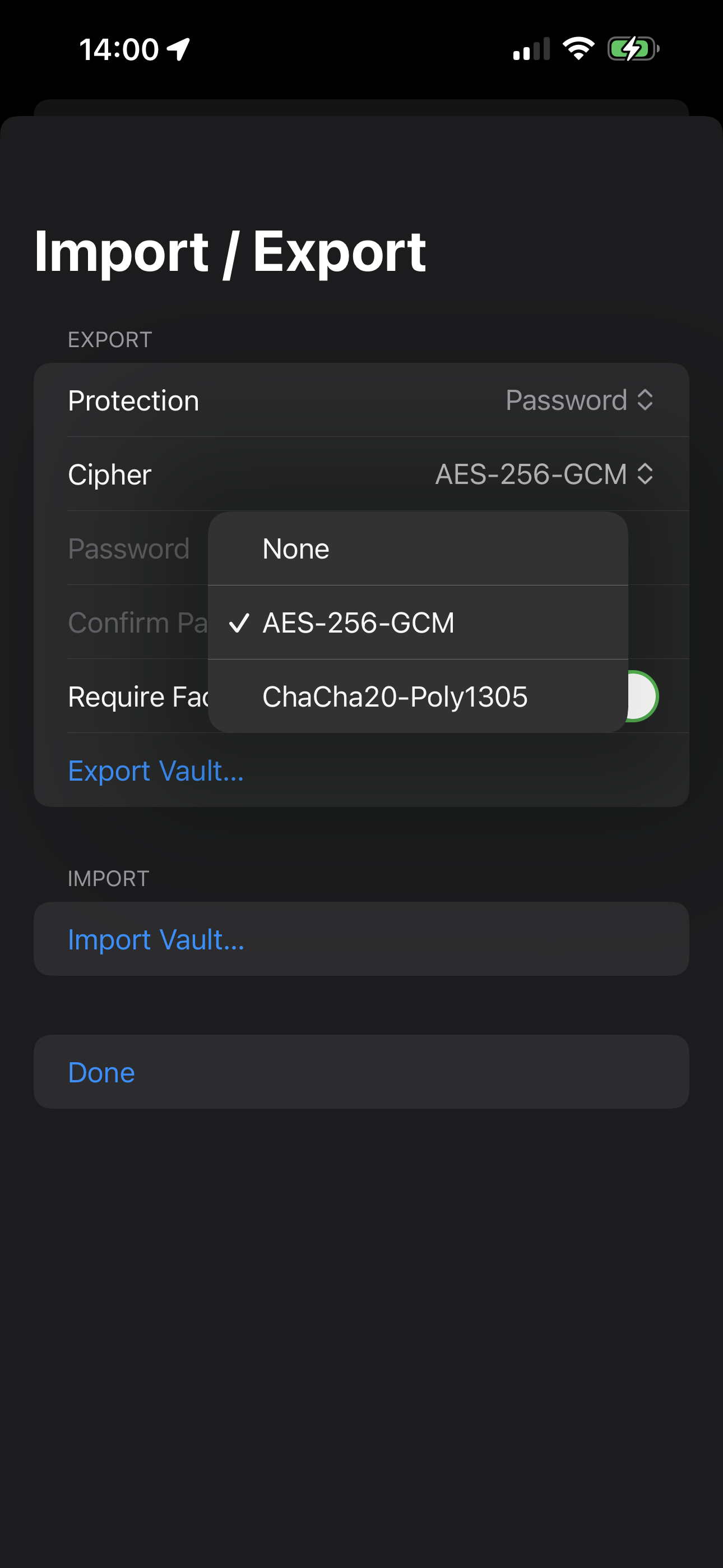
Export (password or none)
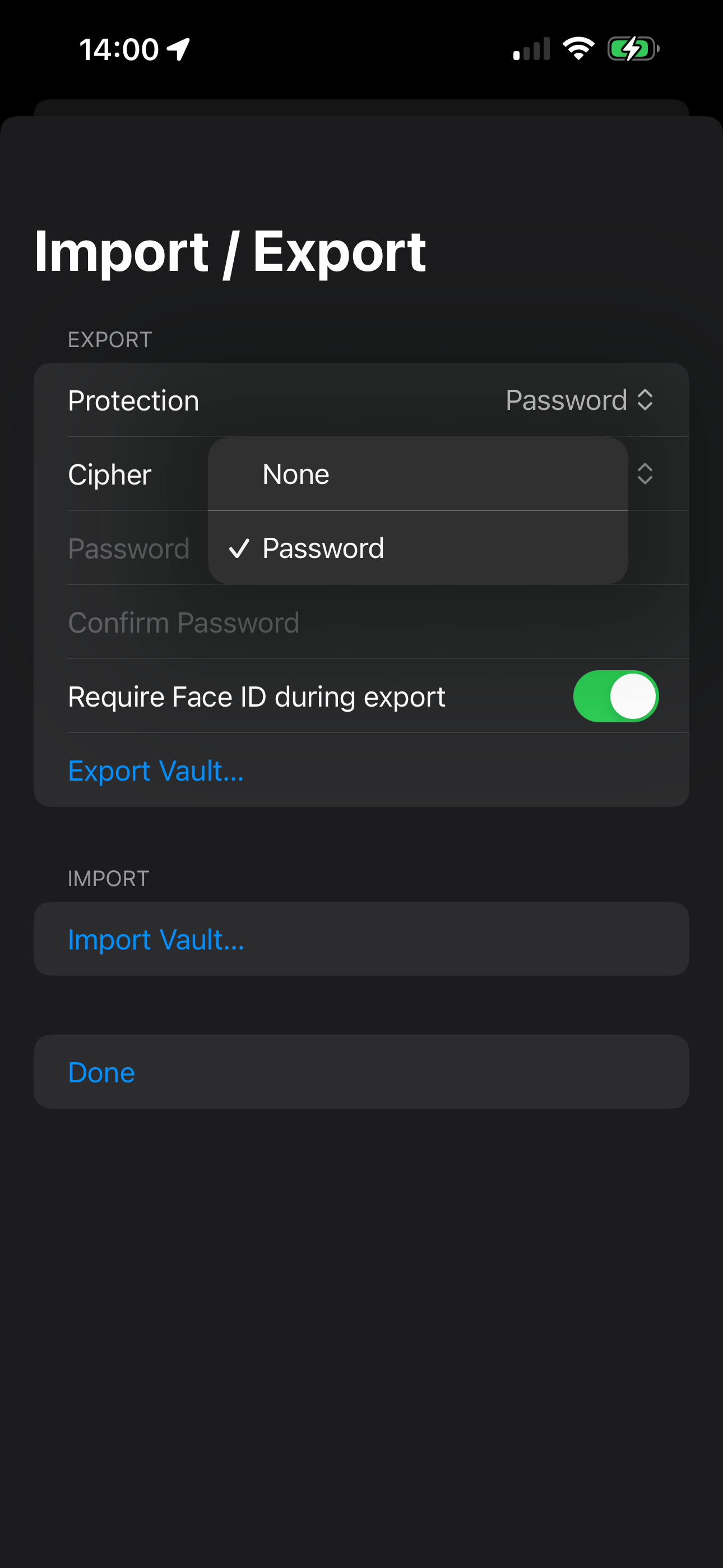
Importing a vault
- Open Settings
- Tap Import Vault
- Select a vault JSON file
- Enter password if required
Import behavior
- Existing secrets may be updated
- New secrets are added
- Keychain entries are overwritten securely for imported items
Best practices
- Prefer Password protection for exports.
- Store vault backups in a secure location (encrypted disk, password manager file store, etc.).
- Avoid sharing vault files over insecure channels.
- If you suspect a vault file leaked, treat it like credential exposure:
- rotate affected secrets
- consider re-pairing devices